
Options, seasonal pricing and pricing rules
What the customer picks vs. what you configure behind the scenes.
Three concepts sit under every activity you publish. Understanding the difference keeps your listings tidy and your pricing flexible.
Options
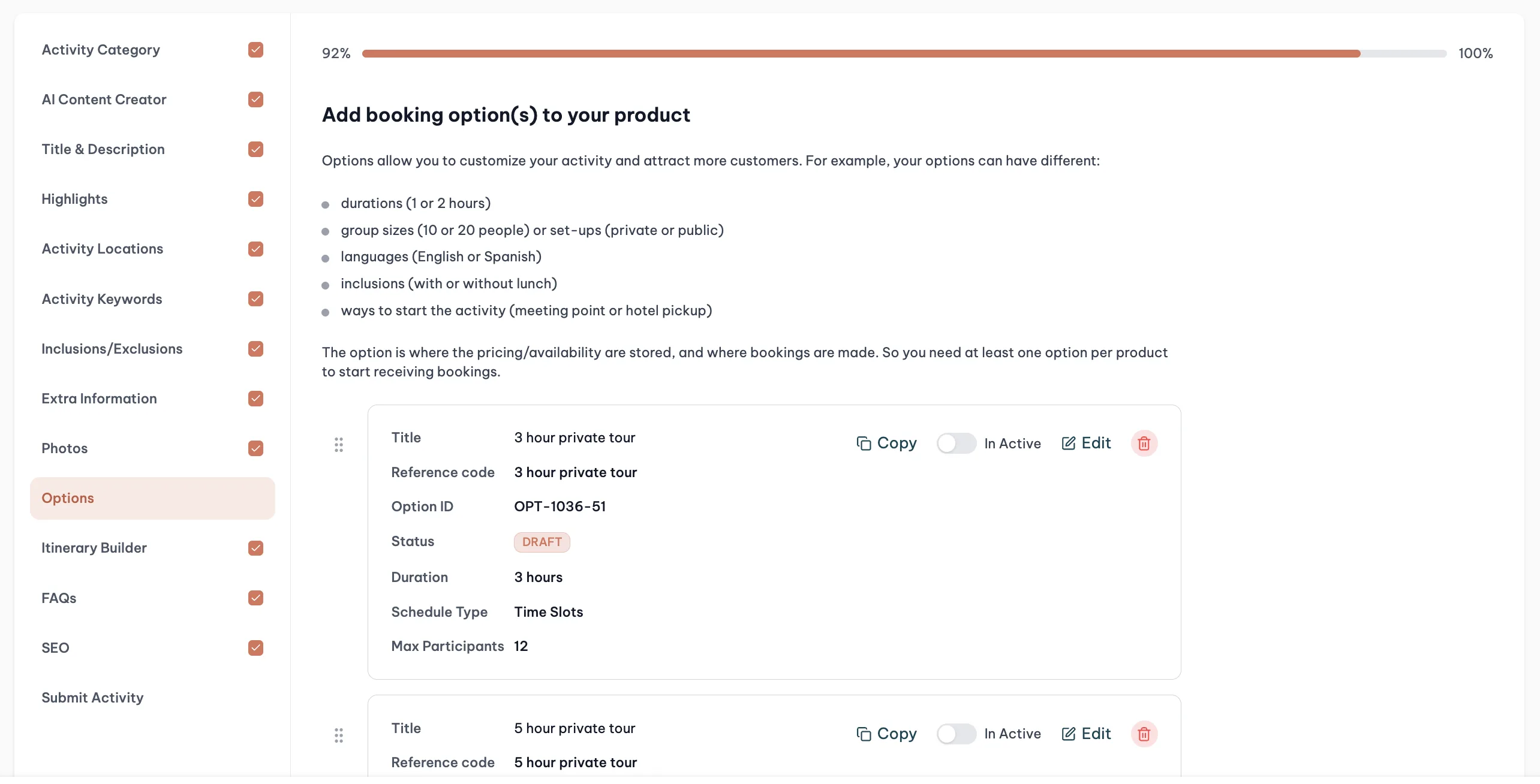
Options are the variants of the same activity that the customer actually picks between at checkout.
Say you run boat excursions. If you offer a 2-hour trip, a 3-hour trip and a 4-hour trip from the same boat, same meeting point and same experience, those are three options inside one activity. The customer opens the listing, sees the three durations, picks one.
This is better than creating three separate activities because you reuse the same photos, the same description, the same reviews. The listing feels coherent and ranks better.
When to create a separate activity instead
If the variant is really a different experience (different photos, different meeting point, different target audience) then it belongs in its own activity. Options are for variants that share the same story.
Seasonal pricing
Each option can have multiple pricing configurations with seasons attached. High season, low season, shoulder season. Each season has its own date range and its own price.
Seasons are the right tool when pricing follows a predictable calendar pattern across weeks or months.
Pricing rules
Pricing rules are for punctual changes: a specific date, a specific day of the week, or a short window.
Examples of what pricing rules handle well:
- Friday and Saturday surcharge
- A one-off price bump for a holiday weekend
- A discounted weekday rate
Rules apply on top of the option's base price. If you need something larger scale than a handful of dates, you probably want a season rather than a rule.
Which one to use
Start by asking: is this a choice the customer makes, or something I set from the back office?
- The customer makes it. That is an option.
- It follows a calendar pattern across months. That is a season.
- It is a specific date or weekday. That is a pricing rule.
You can mix all three on the same activity.