
Seasonal discounts and promo codes
Two separate tools for cutting prices. Pick based on who should see the discount.
Turinity gives you two ways to offer a lower price without editing your base pricing.
Promo codes
Promo codes are one-off strings a customer types at checkout to get a discount. Good for partnerships, influencer campaigns, repeat-customer thank-yous or email marketing.
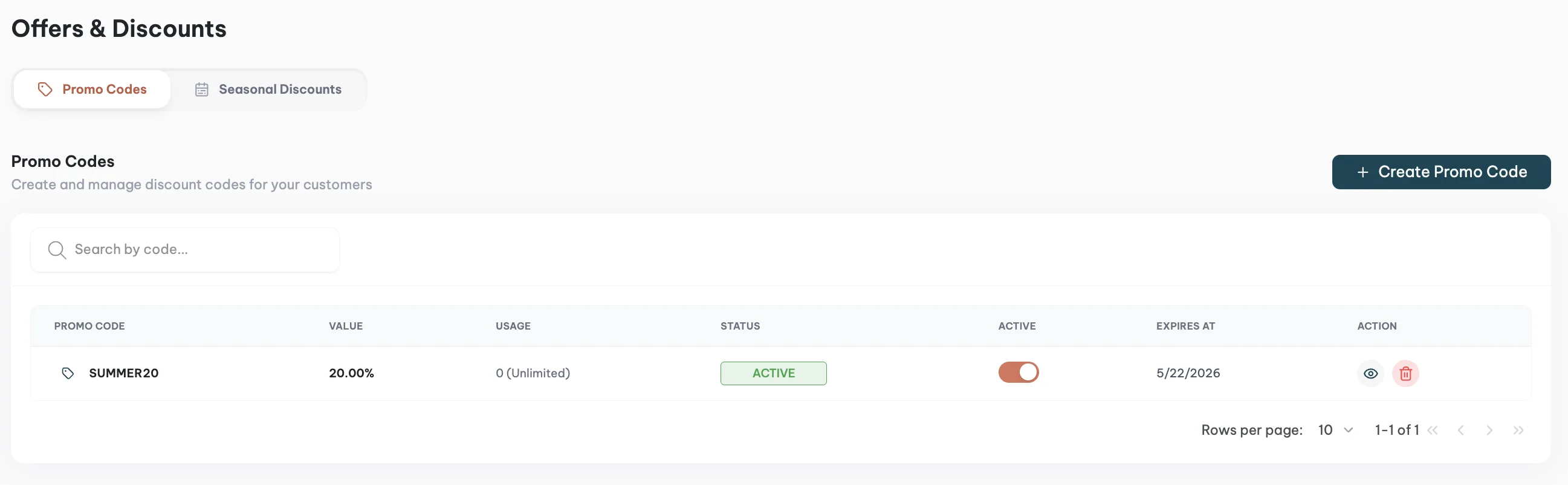
You configure the discount amount or percentage, the date range it is active, and any usage limits.
Seasonal discounts
Seasonal discounts apply automatically during a window you define. No code, the lower price is just what the customer sees when they open the listing during that period.
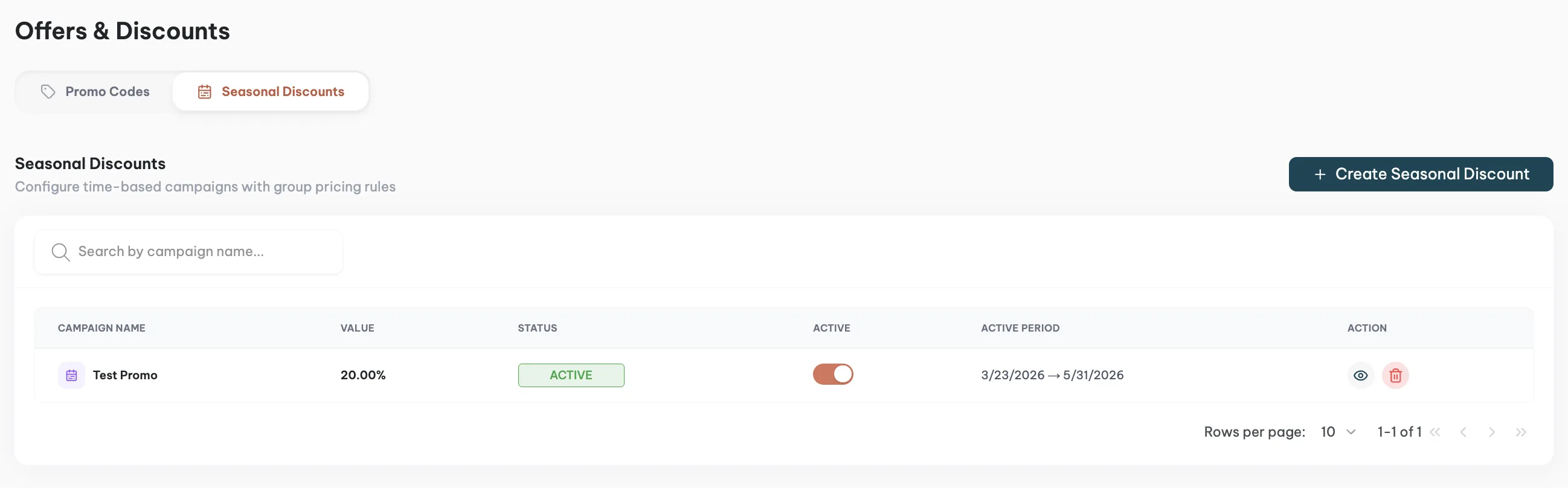
Good for low-season fill-rate, shoulder weeks, or a promotional push around a specific event.
Which to use
If you want the discount to be visible to everyone who lands on the listing, use a seasonal discount. If you want it gated behind a shared code, use a promo code.
The two tools can run at the same time. A customer with a promo code during a seasonal discount window gets both applied, assuming the code permits stacking.